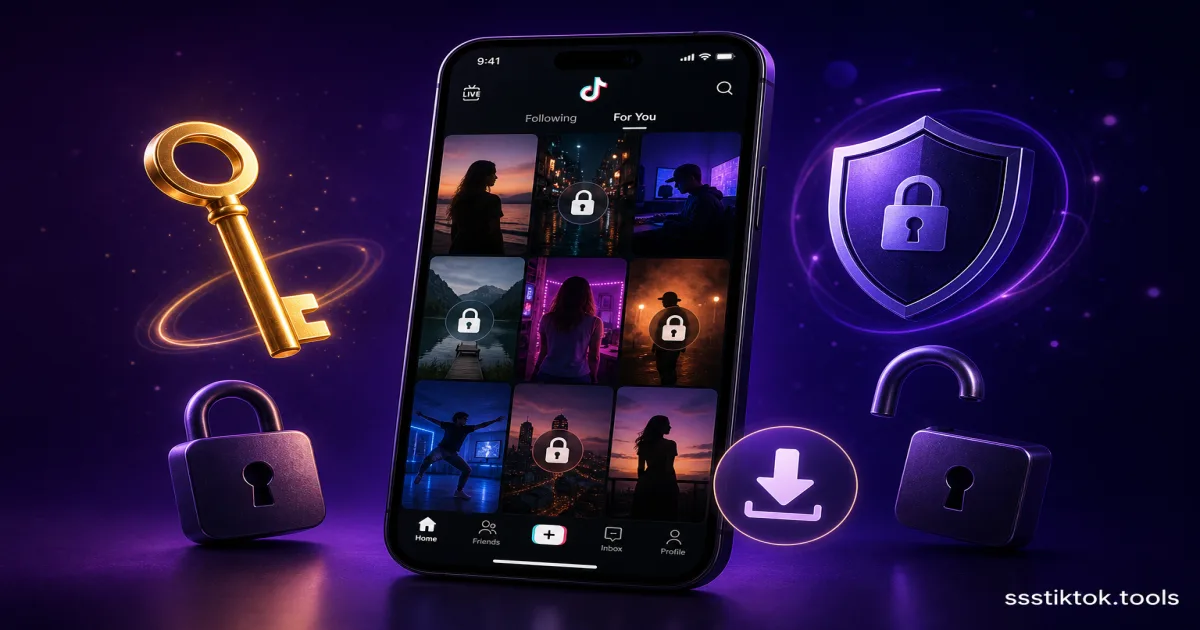
Özel TikTok videoları, TikTok indirme alanında en çok aranan konuların başında geliyor. İster kendi özel videonuzu kaydetmek, ister bir arkadaşın paylaştığı videoyu almak, isterse TikTok'un gizlilik ayarlarını anlamak isteyin, bu rehber size net ve dürüst yanıtlar verecek.
Özel TikTok Videosu Nedir?
Bir TikTok içerik oluşturucusu hesabını "Gizli" olarak ayarladığında veya belirli bir videoyu gizli olarak işaretlediğinde, o video yalnızca onaylanan takipçiler tarafından görülebilir. Sana Özel sayfasında görünmez, arama motorları tarafından dizine alınmaz ve oluşturucuyu takip etmeyen ya da onun tarafından onaylanmayan kimse tarafından görüntülenemez.
Kendi Özel TikTok Videolarını İndirebilir misin?
Evet — bu en basit durum. Video kendi hesabına aitse, TikTok'un yerleşik indirme özelliği (etkinse) onu doğrudan cihazına kaydetmeni sağlar.
TikTok Veri Dışa Aktarımını Kullanma
TikTok, videolarını da içeren hesap verilerinin tam bir kopyasını talep etmene olanak tanır:
- TikTok'u aç ve Profilene git.
- Üç çizgiye dokun (Ayarlar ve gizlilik).
- "Hesap" → "Verilerini indir" yolunu izle.
- Gerçek video dosyalarını almak için veri formatı olarak Video'yu seç.
- TikTok, dışa aktarman hazır olduğunda (genellikle 24-48 saat içinde) seni bilgilendirir.
Başka Birinin Özel Videolarını İndirebilir misin?
Dürüst yanıt şu: meşru herhangi bir üçüncü taraf araç aracılığıyla hayır.
Özel videolar yalnızca erişim izni verilmiş kimliği doğrulanmış kullanıcılar tarafından erişilebilir. ssstiktok.tools gibi üçüncü taraf indirme araçları, TikTok'un genel API'sinden video URL'sini alarak çalışır. Özel videolar, yetkisiz kullanıcılar için bu API'de görünmez.
Başka bir hesabın özel TikTok videolarını indirebileceğini iddia eden herhangi bir site veya uygulama neredeyse kesinlikle:
- TikTok kimlik bilgilerini toplayan bir dolandırıcılıktır
- İndirme aracı kılığına girmiş bir kötü amaçlı yazılımdır
- İşe yaramayan bir araçtır
TikTok kullanıcı adı ve şifreni hiçbir zaman harici bir sitede girme.
ssstiktok.tools Gerçekte Ne Yapabilir?
ssstiktok.tools, herkese açık TikTok videolarını indirmek için mükemmeldir — filigransız, HD kalitede, isteğe bağlı MP3 ses çıkarımıyla. Aradığın video herkese açıksa:
- TikTok video URL'sini kopyala
- ssstiktok.tools'a yapıştır
- Formatını seç (HD video veya MP3)
- Cihazına indir
Frequently Asked Questions
Can a VPN help with private TikTok videos?
No. VPNs change your IP and location, but private TikTok content is protected by account authentication, not geography. No VPN can grant access to private accounts.
What about browser extensions that claim to download private TikTok videos?
These are almost always scams or security risks. Extensions that request access to all websites can capture your login sessions and passwords. Avoid them entirely.
I follow the private account — why can't I download their video?
Follower status grants viewing access only. Download access must be explicitly enabled by the creator in their TikTok video settings. Without that explicit permission, you do not have the right to download their content.
Why does ssstiktok.tools show an error for private video URLs?
This is by design. When you paste a private TikTok URL, TikTok's server returns an access-denied response because the tool does not have an authenticated session for that account. The tool respects TikTok's privacy settings.
How TikTok's Privacy System Works
TikTok uses a multi-layer authentication and access control system for private videos:
- Authentication: Every API request must include a valid session token from an authenticated account.
- Authorization: The API verifies whether the requesting account is authorized to view the specific content.
- CDN delivery: Only after both checks pass is the time-limited video URL served.
Third-party tools cannot pass step 1 without credentials, and even with credentials, they would be violating TikTok's Terms of Service.
Tips for Protecting and Backing Up Your Own TikTok Videos
- Download your own videos immediately after posting via ssstiktok.tools for a clean watermark-free backup.
- Enable in-app saves for videos you want followers to access.
- Request a TikTok data export every few months through Settings → Account → Download your data.
- Use TikTok Studio (studio.tiktok.com) for desktop-based content management.
Conclusion
For public TikTok videos, ssstiktok.tools delivers fast, watermark-free, HD downloads with no registration required. For private TikTok videos, the only reliable and legitimate path is through TikTok's own tools or by asking the creator directly. No third-party tool can legitimately access private content — and any that claims to should be treated with extreme caution.
Screen Recording and Its Limitations
Screen recording is sometimes used as a workaround for saving private TikTok videos. However, this approach has significant limitations:
- Lower quality: Screen recording captures the on-screen display, not the original video file. The resulting quality is noticeably worse than a direct download.
- Legal gray area: TikTok's Terms of Service prohibit recording content without explicit creator consent, even for approved followers. This creates legal and ethical risks for commercial use.
- Privacy and trust: Screen recording private content violates the trust the creator placed in you by approving your follow request. Always ask permission first.
- Future detection: TikTok continues to add detection features that may notify creators when their content is screen-recorded, similar to features on other platforms.
The Right Tool for the Right Job
For public TikTok content, ssstiktok.tools is fast, free, and produces watermark-free HD downloads. For private content, the only ethical and reliable path is direct communication with the creator or using TikTok's own official tools. Trust, transparency, and respect for creators' choices lead to a better experience for everyone in the TikTok community.
If you've been trying to find a way to download a specific TikTok video and it turns out to be private, send the creator a direct message — you'll be surprised how often they're happy to share it with you directly.
Protecting Your Own TikTok Content
As a TikTok creator, maintaining backups of your content is essential. Here are some recommended practices:
- Download your videos immediately after posting via ssstiktok.tools for a watermark-free HD backup.
- Enable "Allow others to save video" in your TikTok video settings.
- Request a data export from Settings → Account → Download your data every few months.
- Manage your content library via TikTok Studio at studio.tiktok.com.
Respecting Privacy: Why It Matters
When someone makes their TikTok account or video private, they are expressing a deliberate choice about who can access their creative work. Respecting this choice is not just a legal or technical matter — it is a fundamental part of a healthy creator community.
Creators are more likely to share content openly when they trust that their privacy choices will be respected. Building a culture of trust and consent around digital content benefits everyone — viewers, creators, and platforms alike.
If you want access to specific content from a private account, the most effective and most respectful approach is always to reach out directly and ask. Many creators are happy to share their work when approached respectfully.
For all your public TikTok download needs, remember that ssstiktok.tools is fast, free, and reliably delivers watermark-free HD quality without requiring any account or registration.