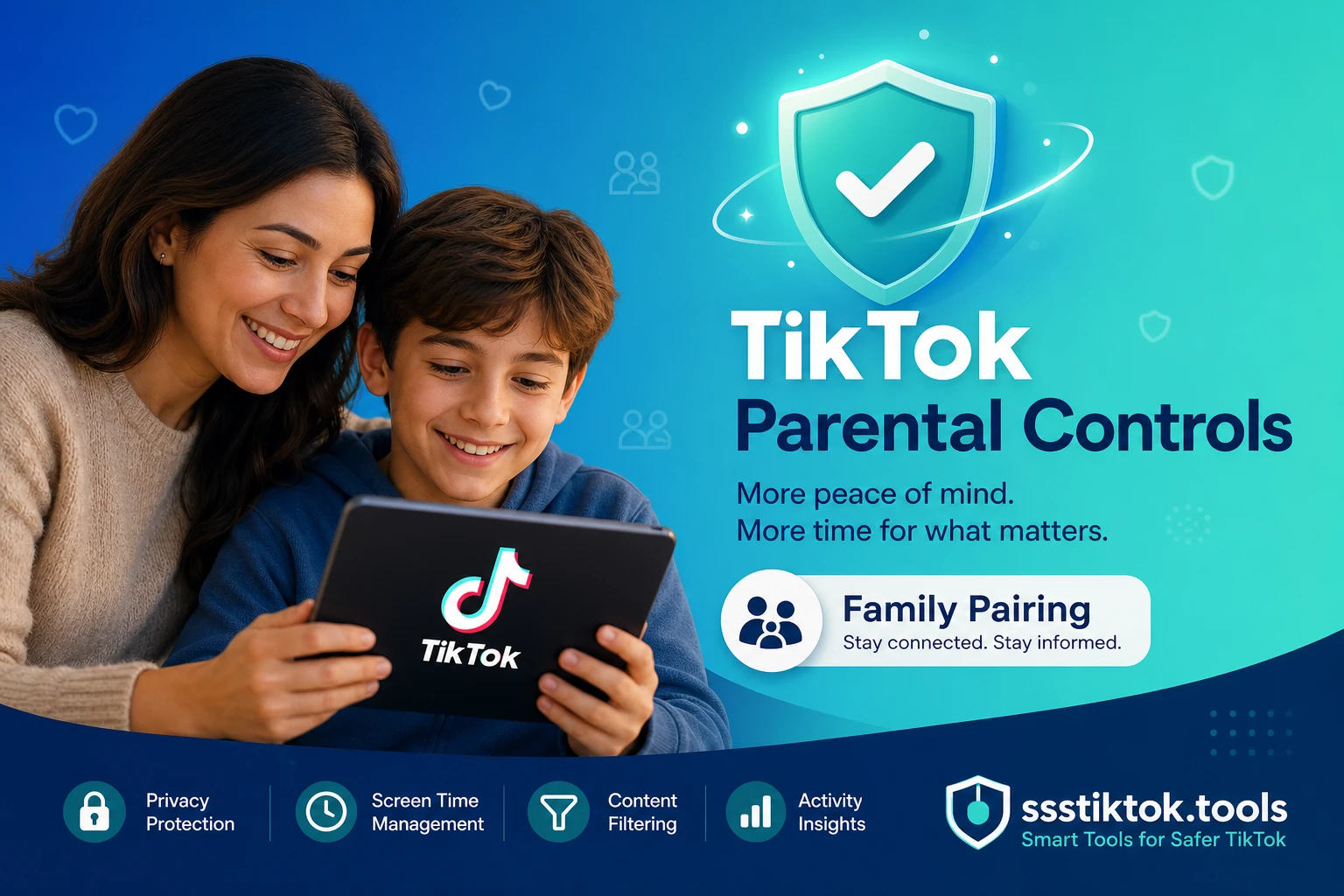
If your child has TikTok on their phone, chances are you have already wondered what exactly they are watching, who they are chatting with, and how many hours are quietly slipping away into the feed. That worry is completely normal, and it is especially common among Indonesian parents right now, since TikTok is one of the most-used apps among teens and even younger kids across the country. The "For You" feed is designed to be genuinely hard to put down. The good news is that TikTok has built a solid set of parental controls, and once you understand how they fit together, you can set sensible boundaries in about ten minutes. This guide covers everything that matters: Family Pairing, screen time limits, Restricted Mode, and DM settings, plus a few things these tools simply cannot do.
TikTok's Age Policy and Why It Matters
Every parental control on TikTok sits on top of one basic rule: an account is only supposed to exist if the person behind it is old enough. Understanding that rule first makes the rest of the settings much easier to make sense of.
Minimum Age Requirements by Region
TikTok requires users to be at least 13 years old to create a standard account, a rule that lines up with global child protection standards like the US COPPA law and Indonesia's own child data protection regulations under the Personal Data Protection Law (UU PDP). For users under 13, TikTok offers a separate, heavily restricted experience — sometimes called TikTok for Younger Users — which removes public posting, comments, direct messaging, and algorithmic recommendations almost entirely, replacing the feed with curated, age-appropriate content instead.
How TikTok Handles Underage Accounts
TikTok uses a combination of self-reported birthdates, machine learning signals, and community reports to catch accounts set up with a false age. If TikTok determines an account belongs to a child under 13 who registered as older, the account can be locked, converted to the restricted under-13 experience, or removed entirely. For Indonesian parents, this matters because the age a child enters during sign-up genuinely changes what they can see and do — which is exactly why it is worth checking, and correcting if needed, before setting up the controls below.
Family Pairing: Link Your Account to Your Child's
Family Pairing is TikTok's core parental control feature. It links your TikTok account to your child's, giving you a remote dashboard to manage several of their settings directly from your own phone.
How to Set Up Family Pairing (Step-by-Step)
On your own phone, open TikTok, go to your profile, tap the three-line menu, then "Settings and privacy," and select "Family Pairing." Choose "Parent" when prompted, then generate a QR code. On your child's phone, they follow the same path but select "Teen" instead, then scan the QR code you generated. Once the two accounts are linked, your dashboard shows the controls available for their account, and any changes you make apply immediately without needing their phone again — though it is worth knowing they can technically still unlink it from their own device.
What Parents Can Control
Through Family Pairing, you can manage screen time limits, restrict direct messaging (or turn it off completely), turn Restricted Mode on or off, limit who can comment on their videos, control whether their account is discoverable through search, and see a summary of how much time they spend on the app each day. You cannot, however, see the actual content of their private messages, watch history, or specific videos they have liked — Family Pairing is a controls dashboard, not a monitoring tool, and TikTok has deliberately kept it that way for privacy reasons.
Screen Time and Content Controls
Beyond Family Pairing's account-linking setup, TikTok has a set of standalone Digital Wellbeing tools that either parent or child can access, though Family Pairing lets you lock these so only you can change them.
Daily Time Limits
Under "Screen Time" in settings, you can set a daily limit anywhere from 40 minutes up to 24 hours, and TikTok will show a passcode-protected screen once the limit is hit, requiring the code to keep scrolling. TikTok also automatically defaults every account registered as under 18 to a 60-minute daily limit unless a parent or the teen themselves changes it.
Restricted Mode
Restricted Mode filters out content that TikTok's systems flag as potentially not suitable for a general audience — mature themes, some explicit language, and content flagged by other users as inappropriate. It is not a perfect filter, but it meaningfully reduces exposure to borderline content. You can turn this on through Family Pairing or directly in your child's settings, and it can be locked with a passcode so a child cannot casually switch it off.
DM and Interaction Settings
Direct messaging is off by default for accounts aged 13-15, and even for older teens it can be restricted to "Friends" only or turned off entirely through Family Pairing. You can also control who can comment on your child's videos, whether their videos can be duetted or stitched by others, and whether their profile shows up in TikTok's search results at all.
Tips for Parents Beyond the App
Settings alone are not a complete strategy. The controls above work best paired with ordinary parenting habits that have nothing to do with a toggle switch.
Open Conversations About TikTok
Ask your child to show you their "For You" page occasionally, not to police it line by line, but so you understand what the algorithm is actually feeding them and can talk about anything that seems off. Kids are far more receptive to boundaries they understand the reasoning behind than ones that just appear out of nowhere as a locked setting — this is especially true in Indonesian family culture, where open discussion often works better than a strict, silent rule.
Using Downloaded Content for Shared Viewing
One practical middle ground many Indonesian parents use: rather than handing over the whole endless feed, download specific educational, creative, or genuinely funny TikTok videos with ssstiktok.tools and watch them together offline. This turns TikTok content into something closer to a curated video you choose deliberately, rather than an algorithm-driven stream your child scrolls through alone — and it works well for younger kids who you want exposed to specific creators or subjects without the open-ended feed attached.
Frequently Asked Questions
Can I see my child's private messages through Family Pairing?
No. Family Pairing gives you controls over settings — screen time, Restricted Mode, DM permissions — but it does not give you visibility into the actual content of messages, search history, or specific videos watched or liked. TikTok designed it this way deliberately to balance parental oversight with the child's privacy.
What happens if my child unlinks Family Pairing?
They can technically remove the pairing from their own device, which restores full control back to their account and removes your remote settings access. If this happens, it is worth having a direct conversation rather than treating it purely as a technical problem to re-solve.
Does Restricted Mode block everything inappropriate?
No filtering system is perfect. Restricted Mode reduces exposure to mature or borderline content significantly but will occasionally miss things or, conversely, hide content that is entirely fine. Treat it as one useful layer, not a total guarantee.
Can I set different rules for different children?
Yes. Family Pairing links are one-to-one between your account and each child's account, so you can set entirely different screen time limits, DM rules, and Restricted Mode status for each child based on their age and maturity.
Want to share a specific TikTok video with your kids offline, without opening the whole feed? Download it in seconds, no watermark.
Download with ssstiktok.tools