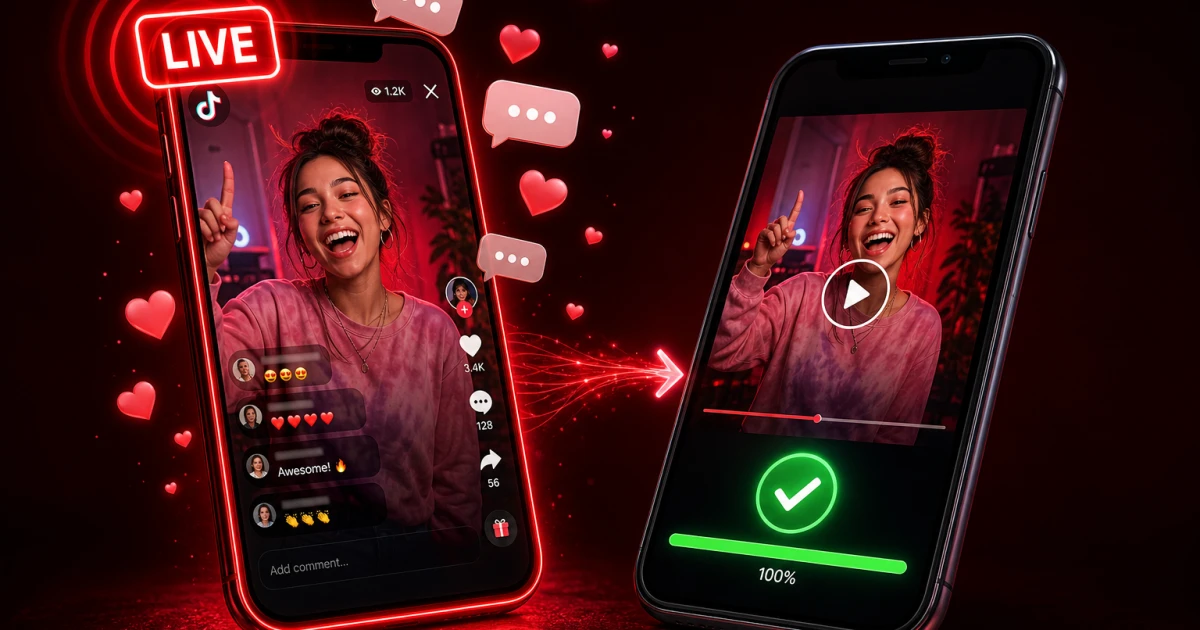
TikTok Live has become one of the platform's biggest draws — creators chatting with fans, playing games, doing Q&As, all broadcast in real time. Naturally, a lot of viewers want to save these moments. But downloading a TikTok Live isn't quite as simple as downloading a normal video. In this guide, we'll give you the honest picture: what you genuinely can save, what you can't, and the best legitimate workaround.
How TikTok Live Works (and Why It's Different)
A regular TikTok video is a static file. It's encoded, uploaded to TikTok's servers, and sits at a fixed URL that can be requested and downloaded at any time. A Live stream is nothing like that.
Why Live Streams Are Different
When a creator goes Live, their camera feed is broken into small chunks and pushed continuously to TikTok's streaming servers, which then relay it out to every viewer in near real time. There is no finished "file" sitting on a server while the stream is happening — it's a live transmission, closer to a television broadcast than a video upload. That's exactly why a downloader tool like ssstiktok.tools (or any competitor) can't grab a URL for a stream that's still in progress: the content simply doesn't exist as a downloadable file yet.
Live Replays: The Downloadable Option
Here's the good news. Many creators choose to save their Live broadcast as a replay once it ends. TikTok stores this replay on the creator's profile (usually under a "LIVE replay" tab or in their video list) for a limited time — often 7 days, sometimes longer depending on account settings. Once a Live becomes a replay, it behaves exactly like a normal TikTok video: it has a real URL and a real file behind it. That means it can be downloaded.
How to Download a TikTok Live Replay
If the creator has saved a replay, grabbing it is refreshingly simple.
Step 1: Check If the Creator Saved a Replay
Visit the creator's profile shortly after their Live ends. Look for a "LIVE replay" badge or check their regular video feed — many creators post the replay as a normal video. Not every creator enables this, so if you don't see it, the replay may not be available.
Step 2: Copy the Replay Link
Open the replay video, tap the Share icon, and select "Copy link." This gives you the same kind of URL you'd get from any public TikTok video.
Step 3: Download via ssstiktok.tools
Paste that link into ssstiktok.tools, choose HD video (no watermark) or MP3 if you just want the audio, and download. It works exactly the same as downloading any other TikTok clip — no login, no software install, no waiting.
Real-Time Live: Screen Recording Fallback
If you want to capture something happening right now, during the live broadcast itself, there's no downloader that can help — because, again, there's no file to fetch yet. The only real workaround is screen recording.
When Screen Recording Makes Sense
Screen recording is useful when the creator has no plans to save a replay, or when you want a specific moment (like a giveaway announcement or a rare guest appearance) and can't wait for the stream to end. Both iOS and Android have built-in screen recorders — Control Centre on iPhone, Quick Settings on Android — so no extra app is required.
Quality Trade-offs
Be aware that screen recording captures your screen at your device's resolution and includes any UI elements, notifications, or on-screen comments that pop up during recording. It also drains battery and storage faster than a normal download. It's a fine last resort, but it will never match the quality of a properly saved and downloaded replay file.
TikTok's Live Replay Feature: How Creators Enable It
Saving a replay isn't automatic — creators have to opt in. Inside the Live settings (accessible from the Live dashboard before or during a broadcast), there's a toggle for "Save LIVE video" or similar wording depending on the app version. If a creator has this switched on, TikTok automatically archives the broadcast the moment it ends. If it's switched off, the stream disappears the instant it finishes, with no replay available anywhere — not even to the creator themselves. This is why some Lives can be downloaded days later and others vanish completely; it comes down to a single setting on the broadcaster's end, not anything a viewer can control.
Frequently Asked Questions
Why can't I download a TikTok Live while it's streaming?
Because a live stream is a continuous transmission, not a finished file. There's nothing sitting on a server to fetch a URL for until the broadcast ends and (if the creator allows it) gets converted into a saved replay.
Do Live replays expire?
Yes, typically. TikTok often keeps Live replays visible on a creator's profile for around 7 days before they disappear, though this can vary. If you want to keep a copy permanently, download it while it's still available rather than waiting.
Can the creator see that I downloaded their replay?
No. Downloading a public replay through a tool like ssstiktok.tools doesn't notify the creator in any way — it works the same as viewing any public video, just saved locally on your device.
Is it legal to download someone else's Live replay?
Downloading a public replay for personal, offline viewing is generally fine, but redistributing or monetising someone else's content without permission is not. Always credit the creator if you plan to share clips elsewhere.
Extra Tips for Saving TikTok Content When Live Isn't Available
If a Live has already ended and no replay exists, don't panic — there are still a few smart habits that make sure you never miss out on saving content again.
First, once a replay does get published, downloading it works exactly the same as any other TikTok video. Just grab the link from the replay, paste it into ssstiktok.tools, and pull down the HD, watermark-free file in seconds. There's no need to wait around refreshing the page — the tool works the moment the replay goes live on the creator's profile.
Second, turn on notifications for creators whose Lives you don't want to miss. Tap the bell icon on their profile and select "All" notifications. This way, you'll get an alert the moment they go live, and often another one if they post the replay afterwards, giving you a much better chance of grabbing the link before it disappears.
Third, if a creator regularly doesn't save replays, it's worth simply asking. A polite comment or DM requesting that they enable the "Save LIVE video" toggle for their next broadcast is often all it takes — many creators aren't even aware the option exists until a viewer mentions it. Building this small habit into how you watch TikTok Live content means you'll rarely be left empty-handed.
Got a TikTok Live replay you want to save? Paste the link and get it in HD, watermark-free.
Download with ssstiktok.tools