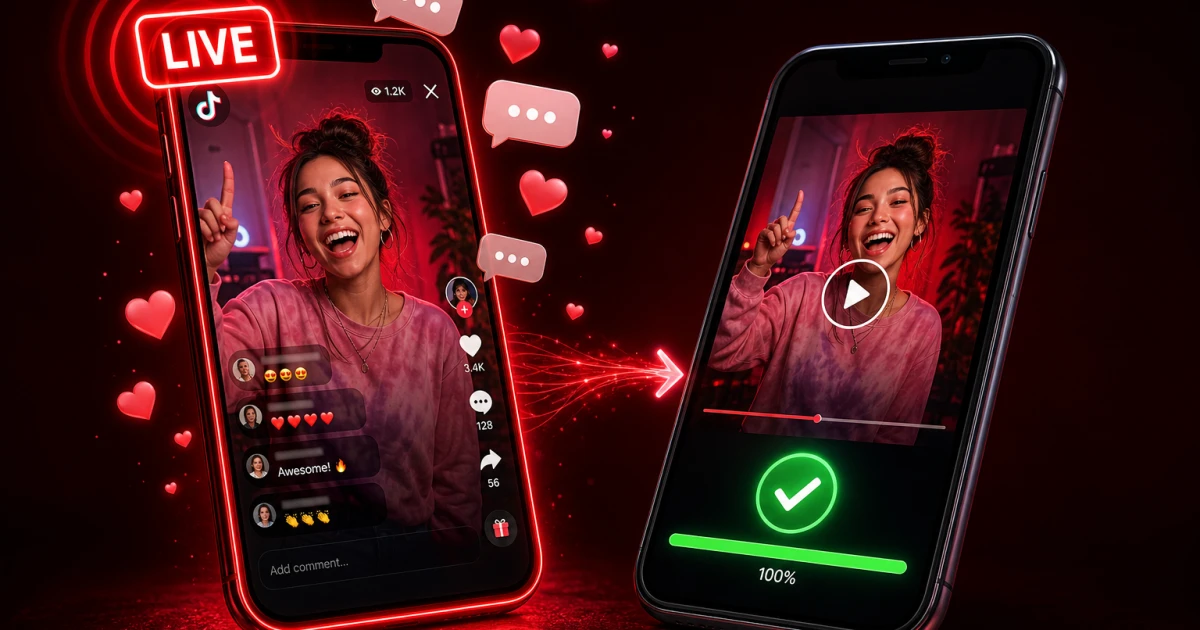
TikTok Live blew up in the US the same way Twitch streaming did — creators like those doing gaming streams, Q&As, or just hanging out with fans in real time, sometimes pulling in tens of thousands of concurrent viewers. If you've ever caught a great moment during one of these streams and wanted to save it, you've probably run into a wall trying to download it the normal way. Here's exactly why, and what actually works.
How TikTok Live Actually Works
A normal TikTok video is a file sitting on a server with a permanent link. A Live stream is the opposite: it's video data being broadcast continuously from the creator's phone or camera to TikTok's servers and out to viewers, in near real time — like a live TV feed, not a saved video.
Why Live Streams Are Different
Because a live broadcast doesn't exist as a finished file while it's happening, there's no URL for a downloader to grab. This applies to ssstiktok.tools and literally every other TikTok downloader out there — none of them can pull a video file out of thin air from a stream that's still in progress.
Live Replays: The Downloadable Option
The workaround is the replay. Once a creator ends their Live, TikTok gives them the option to save the broadcast as a replay on their profile, usually available for about a week. Once that replay exists, it's a normal video file just like any other TikTok upload — meaning you can absolutely download it.
How to Download a TikTok Live Replay
Step 1: Check If the Creator Saved a Replay
Head to the creator's profile right after the stream wraps up. Look for a "LIVE replay" tag, or check if they've posted it as a regular video — creators like those building a following through consistent Lives often do this to keep engagement going after the stream ends.
Step 2: Copy the Replay Link
Tap the Share icon on the replay and hit "Copy link," exactly like you would with any other TikTok video.
Step 3: Download via ssstiktok.tools
Drop that link into ssstiktok.tools, pick HD video with no watermark or MP3 for audio only, and you're done in under a minute. No account, no app download, no BS.
Real-Time Live: Screen Recording Fallback
If you need to capture something happening live, in the moment — like a surprise announcement, a shoutout, or a giveaway drop — there's no downloader trick that'll save you. You have to screen record.
When Screen Recording Makes Sense
This is your move when you know the creator isn't going to save a replay, or when you need that exact second and can't risk waiting until the stream ends. Both iPhone (Control Center) and Android (Quick Settings panel) have this built right in — no third-party app required.
Quality Trade-offs
Screen recording captures whatever's on your screen, notifications and all, at your phone's native resolution — it's never going to look as clean as a downloaded file straight from TikTok's servers. It also chews through battery and storage fast. Use it when you have no other option, not as your default method.
TikTok's Live Replay Feature: How Creators Turn It On
Saving a replay isn't the default — creators have to flip a switch. In the Live dashboard settings, there's a toggle usually labeled "Save LIVE video." Turn it on before you go live, and TikTok automatically archives the whole broadcast the second it ends. Leave it off, and the stream is gone forever the moment it wraps — no replay, no recovery, not even for the creator. That's the entire reason some Lives are downloadable days later while others just vanish: it's one setting on the broadcaster's side that viewers have zero control over.
Frequently Asked Questions
Why can't I download a TikTok Live while it's streaming?
Because there's no finished file yet — a live stream is a continuous broadcast, not a saved video. Downloaders need an actual video URL to work with, and that doesn't exist until the stream ends.
Do Live replays expire?
Usually, yes. TikTok tends to keep replays up for about 7 days before pulling them down. If you find one you want, grab it sooner rather than later.
Can the creator see I downloaded their replay?
Nope. There's zero notification sent when you download a public replay through a tool like ssstiktok.tools. It's the same as just watching the video.
Is it legal to download someone else's Live replay?
For personal use, yes — that's no different from saving any other public video. Reposting it for profit or without credit is where things get dicey, and could get your account flagged for a copyright claim under the DMCA if the original creator reports it.
More Ways to Save TikTok Content When Live Isn't an Option
If a Live already ended and there's no replay in sight, don't sweat it — a few smart habits can make sure you never miss out again.
First off, once a replay does go up, downloading it works exactly like any other TikTok video. Grab the link from the replay, drop it into ssstiktok.tools, and pull the HD, watermark-free file in seconds. No need to keep refreshing the page — the tool works the second the replay hits the creator's profile.
Second, turn on notifications for any creator whose Lives you don't want to miss. Hit the bell icon on their profile and pick "All" notifications. That way you get pinged the moment they go live, and often again if they post the replay afterward — way better odds of grabbing that link before it's gone.
Third, if a creator never seems to save replays, just ask. A quick comment or DM asking them to flip on "Save LIVE video" for their next stream usually does the trick — a lot of creators don't even realize the option exists until someone brings it up. Get this habit down and you'll rarely be left with nothing to show for it.
Found a TikTok Live replay worth keeping? Grab it in HD, watermark-free, in seconds.
Download with ssstiktok.tools